The sheet music reader that runs on everything you play from
Study. Rehearse. Perform.
Every score you own and every marking you’ve ever made, all in sync: on iPhone, iPad, Mac, Apple Vision, Android, Amazon Fire, e-ink readers and Windows. Mark scores up like paper and walk on stage with everything you play.
Designed for everyone, from students to professionals
Practice at home. Rehearse in the hall. Perform with enScore.
enScore keeps your scores, markings, setlists and bookmarks in sync across every device you own. Built offline-first: reading, ink, setlists and scanning need no account and no Wi-Fi. Then when you’re back in range, Sync is the magic on top.
Features
01 · Bring in your music
Scores that name themselves.
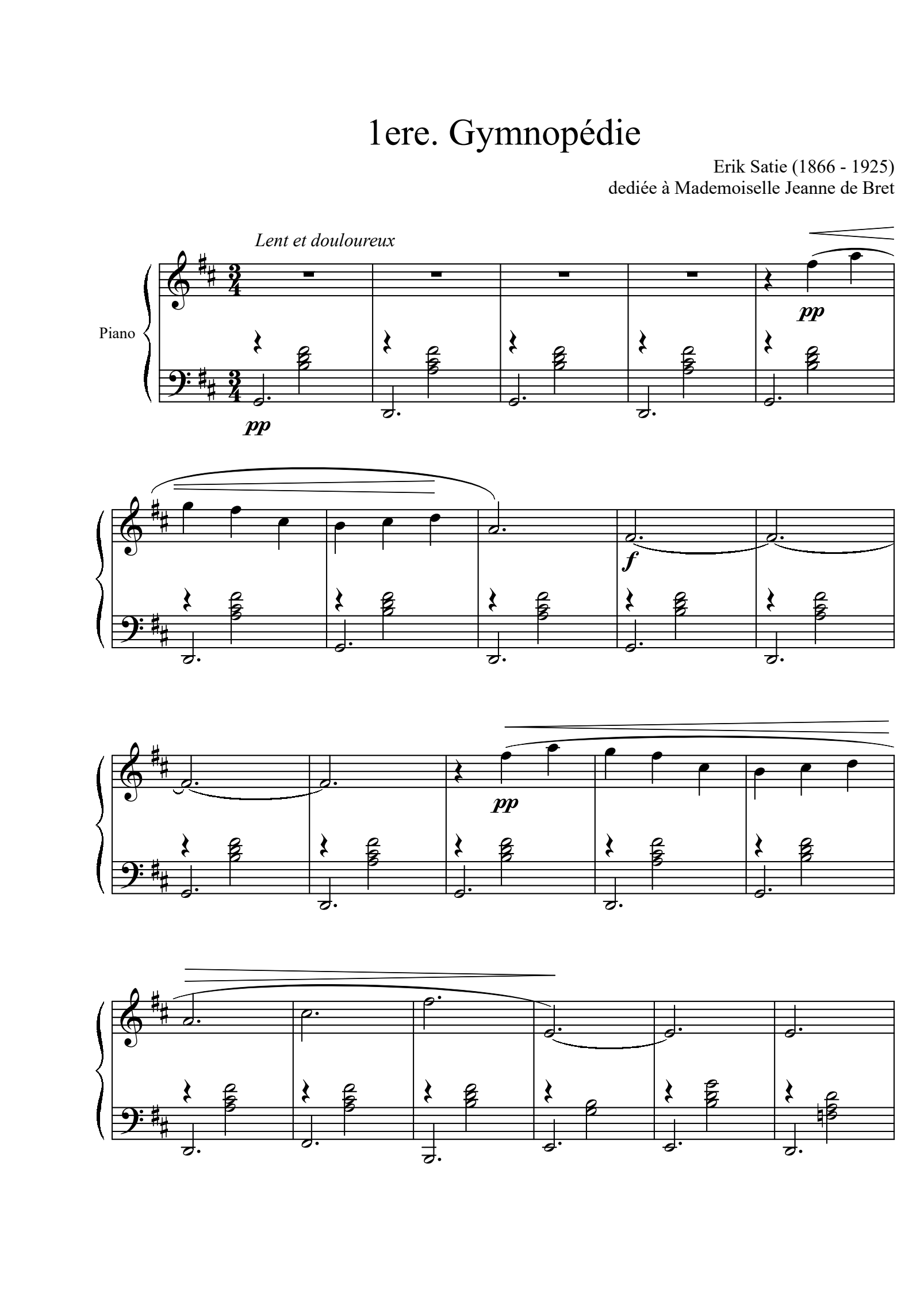
“scan_0417.pdf” becomes “Clair de Lune, Debussy” by itself. Import a folder of a hundred files and watch the titles and composers fill in. Share a PDF from any app, search IMSLP without leaving enScore, point your camera at a photocopy, or use a flatbed or feeder scanner over Wi‑Fi.
Titles and composers detected automatically, one score or a whole folder
Share PDFs from any app, or import a whole folder
Search & import from IMSLP, inside the app
Camera scans that land straightened, cropped and clean
Flatbed and feeder scanners over Wi-Fi
02 · Coming from forScore?
Nothing to redo.
One .4sc file and your scores, ink, stamps and layers land exactly as you left them. Share your scores from forScore as a forScore file, open it in enScore, and keep playing. It works the same on every platform.
Half-page turns show you the next line before you need it. Turn with a tap, a swipe or a foot pedal. Put a concert in a setlist and one piece flows into the next, with the screen awake until the applause.
Half-page & alternating page turns
Tap, swipe, or Bluetooth foot pedal control
Setlists that flow score to score
Page range and tempo per list entry, for just the movement you need
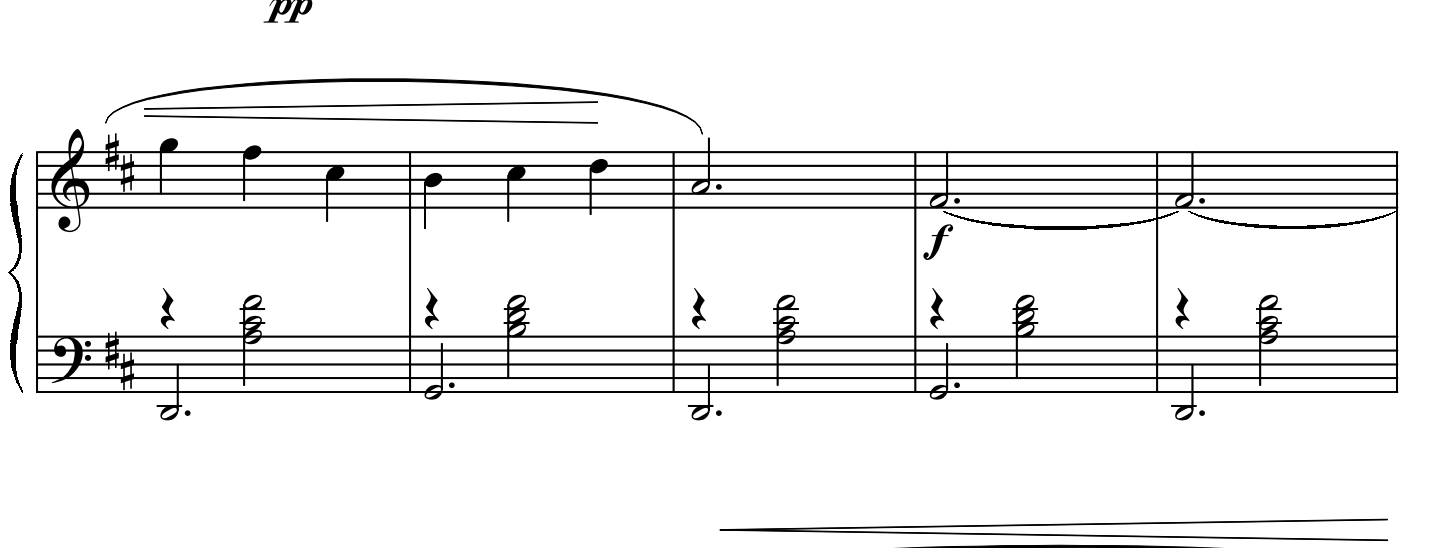
Mark a fingering. Highlight the entry you keep missing. White out the editor’s bowing and write your own. Apple Pencil, any stylus or a fingertip; the line follows your pressure. Highlighters blend like real ones. The eraser takes back one stroke or one pixel. Every marking sits on a layer you can hide for the concert.
Pressure-sensitive pen with custom colour palettes
Highlighters that blend like real ones
Whiteout, text boxes & stamps
Annotation layers to organise your ideas
Just landed
New in 3.5.
Play along, hands free
Attach a recording to any score and turn the pages once while it plays; enScore remembers every turn, half pages included. Loop the passage you’re drilling, slow it down, and let it start the moment the score opens.
Or find a recording on YouTube, Apple Music or IMSLP and let the score follow it.
YouTube is a trademark of Google LLC.
Talks to your keyboard
Turn pages from any MIDI pedal or controller. Give a score its sounds and your keyboard is on the right patch the moment it opens: program changes, bank select and Song Select, one message or a whole list, and different sounds for the same piece in different setlists.
Your practice, on record
A practice log that fills itself in: minutes a day, streaks, which pieces you actually practised and when. Set a daily goal and share a report as a PDF.
Share a setlist
Send a whole setlist as one file: the PDFs, the order, page ranges and your markings. Open it on any device running enScore and it lands ready to play.
Manuscript paper
Blank staves, grand staff or tab, any page size, one tap away and ready for your pen.
Find any word
Search the text inside your PDFs and your practice notes from the Search page.
Crop and straighten
Cut the margins off a scan and straighten a crooked page without touching the file; every device shows the same crop.
A practice diary
Open the Notes card inside any score and write a line about today: what worked, what to fix tomorrow. Every note is kept by day and by piece on the Practice page, and follows you to your other devices.
Everything new in 3.5 is free.
And then some
Small things, helpful things.
Metronome
Built in, with tap tempo, subdivisions and nine sounds. Remembers the tempo for every score.
Tuner
Right beside the metronome. Play a note and the needle settles. Choose your preferred A=440 Hz tuning.
Two scores side by side
Open a second window on Mac, iPad and Windows and read a part against the full score.
Score shortcuts
Tappable links that leap through repeats, D.S. and al Coda jumps.
Score snips
Copy bars from anywhere and paste them where the page turn hurts.
Reading filters
Light, dark and sepia, plus display modes tuned for e-ink readers.
Print & share
Export exactly what you see: annotations, layers and all.
Composer, tags and key
Every score carries its composer, tags and key, and Search finds all of them.
Recently deleted
Deleted scores wait for you until you decide. Nothing vanishes by accident.
Stays awake
The display never sleeps, however long the slow movement.
Bookmarks
Mark the movements and the places you return to, and jump straight there.
Rearrange pages
Reorder, rotate, hide, duplicate or delete any page of a score.
Backup & Sync
Perfect offline. Syncs in seconds online.
Reading, ink, setlists and scanning need no account and no network: with the Wi-Fi off, enScore is still the complete app. An account is only for Sync and the online title and composer detection. Sign in, and every score, marking, list and bookmark reaches your other devices within seconds of coming back online.
Works with the Wi-Fi off
Your scores live on your device. The cloud only ever holds a copy.
Cross-platform and blazing fast
Annotate on the train on Android; it’s waiting on the iPad at home & the laptop you left at uni.
Private by construction
Your scores are stored securely & only accessible to you. Delete your account and they’re gone from our server, while staying safe on your own device.